
Mitte.ai
Mitte.ai lets you create logos portraits product shots and even videos using AI. Free to start and packed with advanced editing options for creatives who want full control
Overview
Mitte.ai is a creative tool that mixes AI with hands-on editing. You type in what you want and it gives you sharp images or even video clips. You can then tweak every detail. It's built for people who hate cookie-cutter AI art and want to feel in charge.
The site’s up and running but not much is out there about who’s building it. No faces no big names just the product.
This platform once caught my attention because it provided early access to the newly released state-of-the-art video model Seedance Pro.
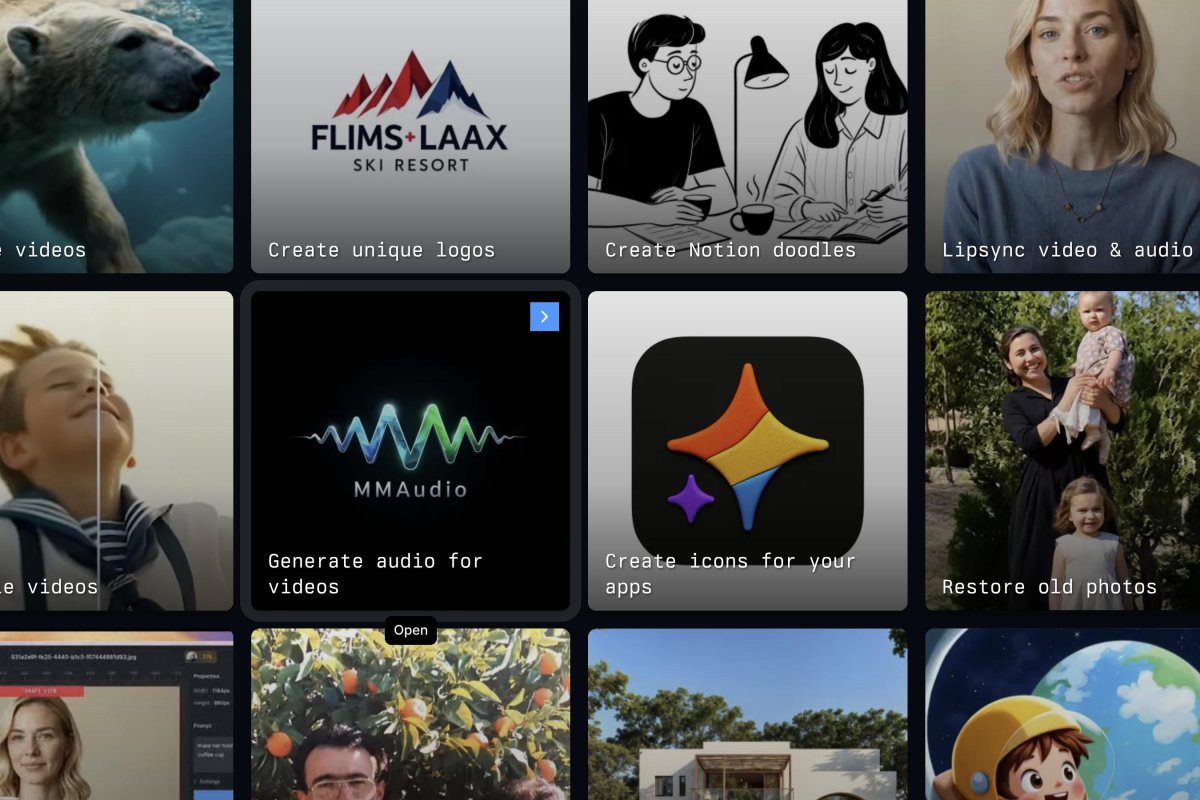
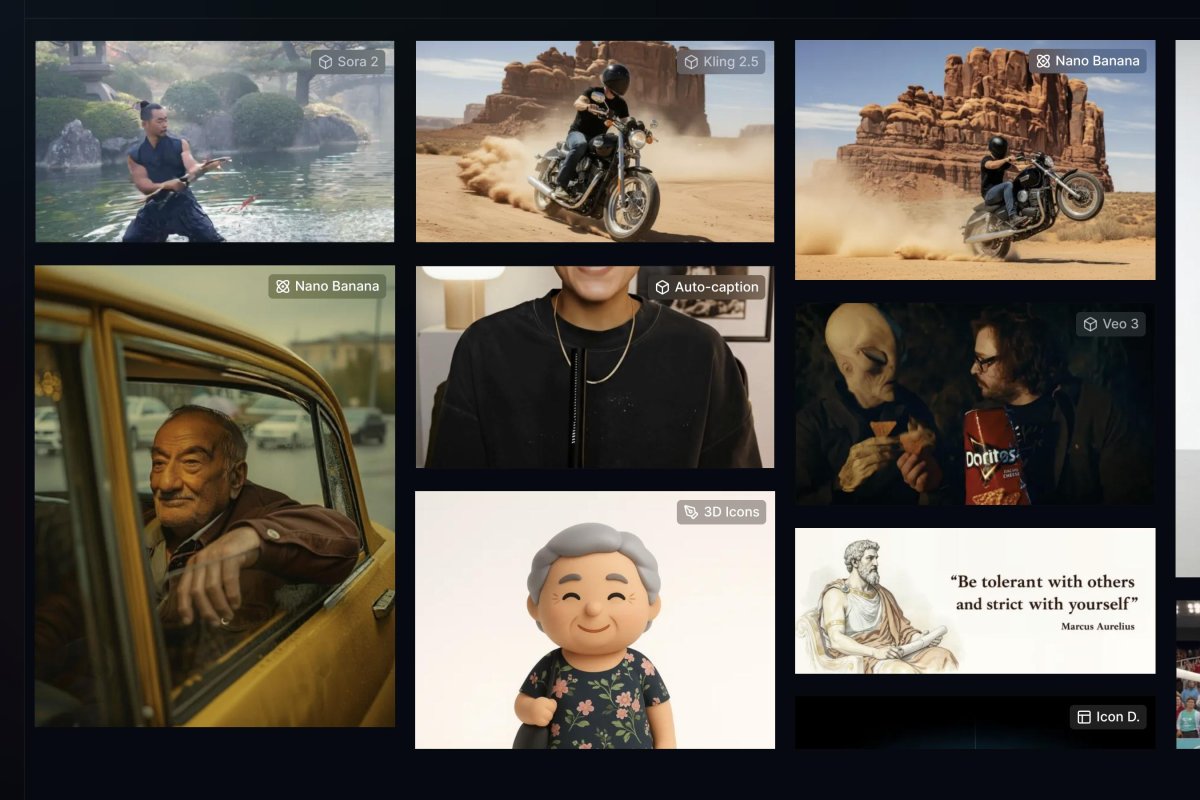
The platform comes loaded with creative presets made for video-first projects. It covers stuff from cinematic scenes to quick social clips. At the top level it’s got Veo 3.1 which makes 4K videos and film-style shots. You can add ending credits, subtitles, cut out backgrounds, or transfer motion from one clip to another. It also lets you build video avatars that run for a few minutes, switch camera angles, sharpen up your footage, and throw in animated text, graphs, transitions, and graphics for promos or explainer videos.
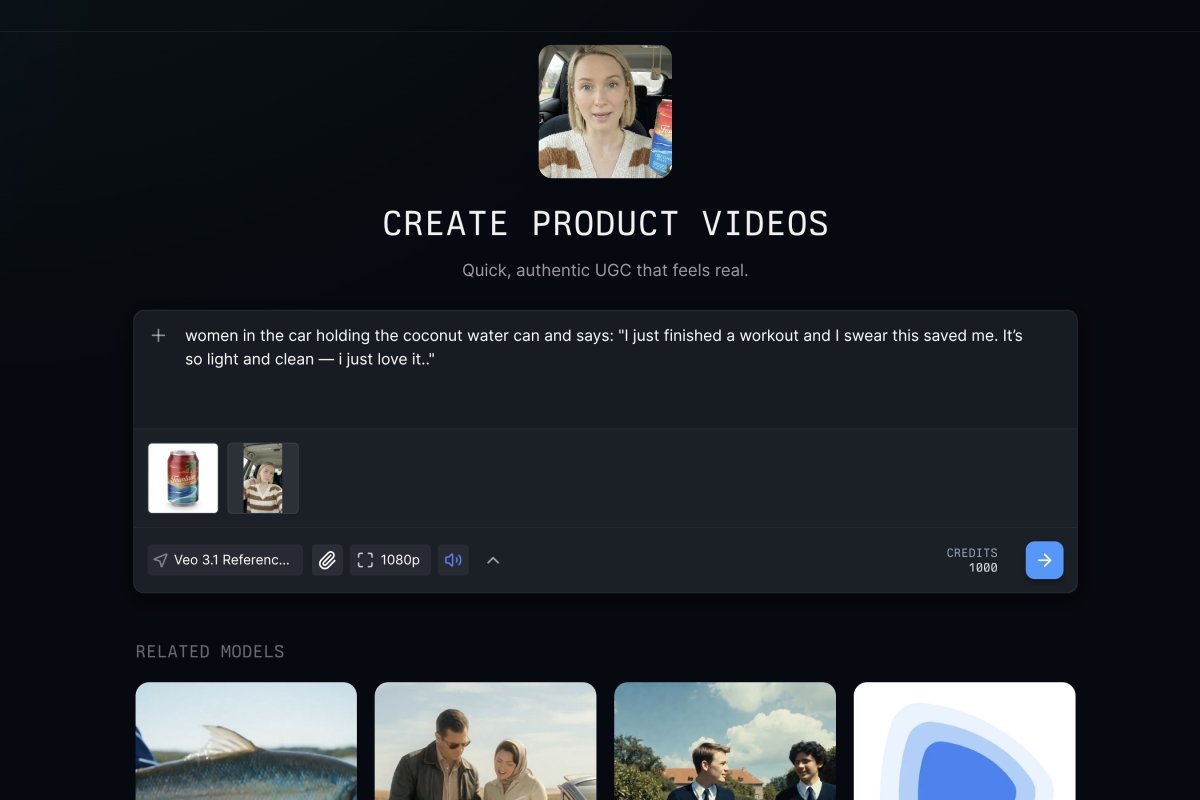
It’s built for creators and marketers who want fast results that still look real. You get presets for YouTube thumbnails, user-made product videos, photo shoots dropped into any scene, contact sheets with movie-like looks, and storyboard grids to help plan shoots or campaigns. The whole idea is to cut down time while keeping things looking like they were shot with a camera, not made by AI.
There’s also a strong focus on images and design tools. You can swap clothes or faces, turn one picture into different angles, change pics to SVG format, make crisp icons, or upscale images so they look sharper. Some presets get artsy, like tiny portraits, comic book pages, oil painting styles, zoom-out earth views, and infographic art that mixes useful info with fun design.
For audio, it covers the basics. You can make voices that sound like real people or break a song into vocals and instruments. These presets are tuned for voiceovers, remixes, translation work, and short or long video projects, without needing other audio apps.
It also includes tools for teaching and sharing info. There’s whiteboard visuals, hand-drawn style explainers, animated graphs, and neat layouts for slides or docs. So it’s not just for fun stuff, it works for product demos, training, and work presentations too.
All in all, it's a preset-heavy creative tool that handles video, social clips, design, sound, and images. It’s built for people who want clean results fast, without bouncing between a bunch of different apps.
Mite.ai could be improved if it specified precise model versions, not just "ImagineArt", there's more than one model by that name already.
Tags
Freemium Proprietary License Web-based #Creative AI SuitesLinks
This tool offers the following AI models:
- Crystal Upscaler
-
 Fabric 1.0
 - Flux Kontext [Pro]
- FLUX.2 [dev]
- FLUX.2 [dev] Turbo
- Gemini 2.5 Flash
- GPT Image 2.0
- GROK Imagine 1.0
- Grok Imagine v0.9
- Hailuo 02
- Imagen 4
- Kling 2.1
- Kling 2.6
- Kling 3.0
- Kling Avatar 2.0
- Kling O1 Omni
- Nano Banana 2
- Omnihuman 1.5
- Phota
- Reve Image 1.0
- Seedance 1.0 Lite
- Seedance 1.0 Pro
- Seedance 2.0
- Seedream 3.0
- Seedream 4.5
- Sora 2
- Speech 2.5 HD Preview
- Topaz Starlight
- Veo 3 Fast
- Veo 3 Quality
- Veo 3.1
- Z-Image Turbo
This list may not be exhaustive as new models keep dropping and are added to platforms all the time.
Generated on February 8, 2026:
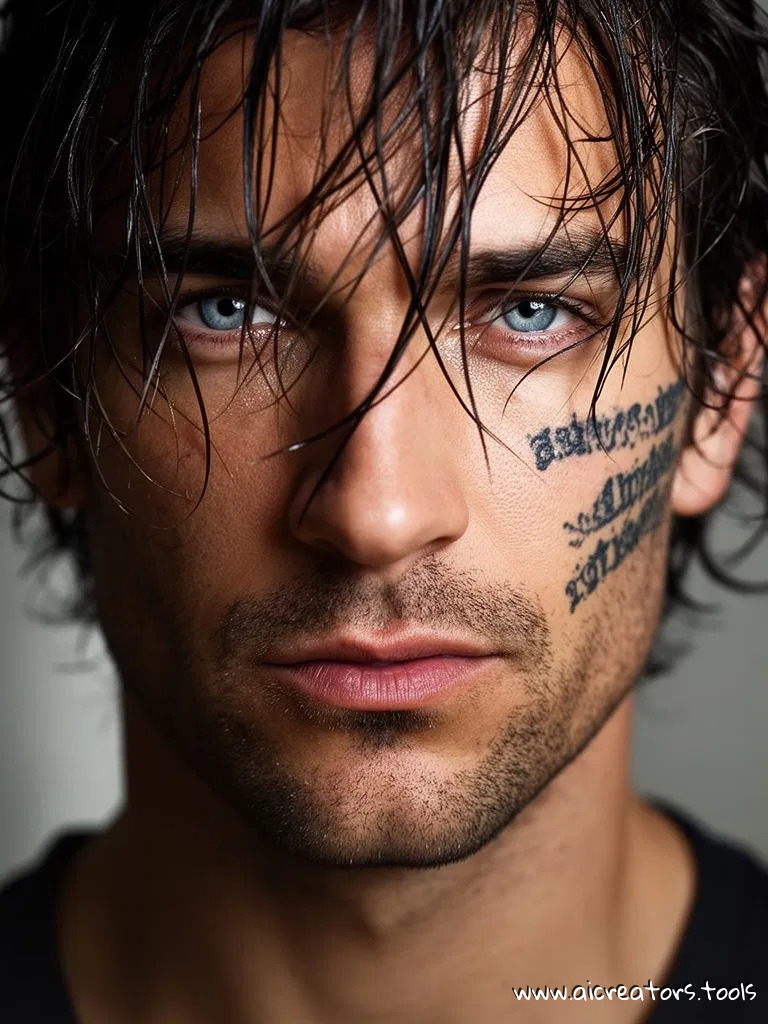
Generated on February 8, 2026:

Latest Mitte.ai News
February 14, 2026
Early access to Seedance 2.0 model is now available on some of the paid plans on Mitte.ai
February 8, 2026
Mitte isn’t holding back.
They sent out emails directly calling out Higgsfield, citing slow renders, shady practices, and getting charged then ignored.
To make switching painless, they’re offering $12 in credits.
Code: FCKHGSFLD26 - should work on any Mitte plan.
Useful Links
How to Write Seedance 2 Prompts That Won't Get Flagged
Tutorial
37 percent of Seedance 2 prompts fail because of its content filters. This post explains the common reasons behind that 37% and shows you how to write prompts that pass the first time.
This page was last updated on May 8, 2026 at 9:53 PM