Hugging Face Spaces lets you try AI tools for free. Make art, music or videos with AI right in your browser. Hugging Face Spaces gives you free access to top AI tools with zero setup.
The idea behind Hugging Face is simple. Developers show off their AI tools here and anyone can test them. From making images and videos to generating music or speech - you’ll find it all. Hugging Face Spaces is where you go to play with AI without coding headaches. It's packed with demos you can use straight from your browser.
Hugging Face used to just be a chatbot company but things changed quick. Now it's one of the biggest spots for sharing AI models. Spaces is their playground where devs can put up tools using Gradio or Streamlit and users can mess around with them.
Most Spaces are public and free to use. Some are private and need a paid plan. Either way it’s all in one spot so it’s easy to find what’s new or trending.
If you build AI tools Hugging Face gives you serious firepower. You can run models on CPUs or faster stuff like T4 or A100 GPUs. And with version control and collab tools it’s more than just a place to demo your work. It’s where you can build test and share with others.
Here’s a quick look at pricing:
Free. $0 per month lets you host public Spaces on CPU with limited compute
Starter. Around $9 per month gets you private Spaces and a basic GPU
Pro. Around $49 per month gives you faster GPUs and more compute
Business. Custom price with A100 GPUs security support and analytics
Prices can shift depending on where you are and how much you use.
Tags
Freemium Unknown License Web-based#Creative AI Suites
Educators and TrainersCreative ProfessionalsContent CreatorsMedia and Film MakersMarketing and Branding SpecialistsVoice and Audio ProfessionalsDevelopers and Tech CreatorsNonprofit and Advocacy CreatorsSmall Business OwnersEntertainment and Performance ArtistsProfessional Content Creators
This list may not be exhaustive as new models keep dropping and are added to platforms all the time.
Prompt:
Artificial intelligence is a life-changing, sometimes life-like phenomenon—but it’s not without its quirks. Take, for example, the AI assistant who confidently declared, 'I am definitely not plotting world domination—wink, wink.' It’s enough to make you laugh... nervously... This test was generated for AIcreators dot tools, your go-to destination for AI software made for creators, filmmakers, and educators.
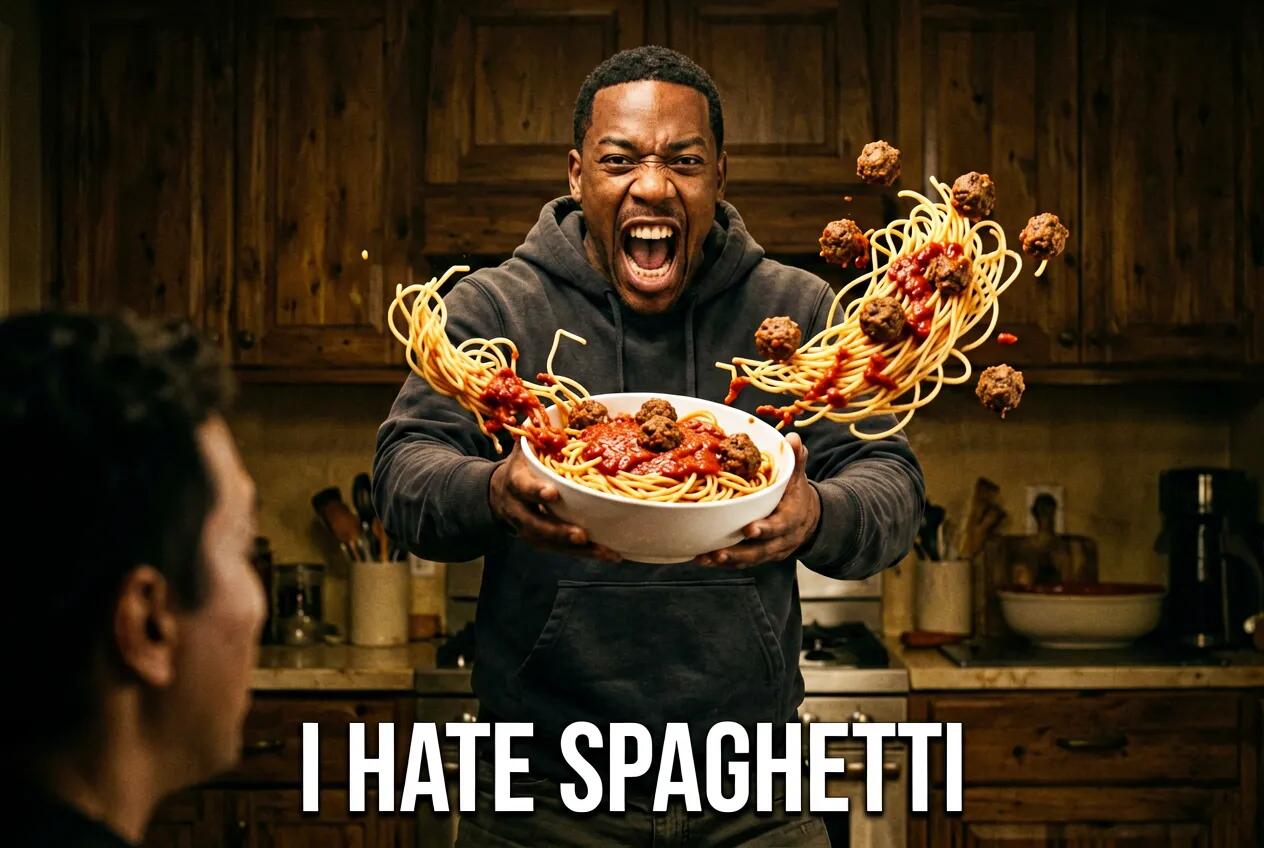
Will Smith meme reads "I hate spaghetti", as he is shown screaming and throwing a bowl with spaghetti back at the viewer refusing to eat it. Bowl and spaghetti along with tomato sauce and meatballs are captured mid flight in the mid-background and foregraund. Dramatic, epic, comically exagerated
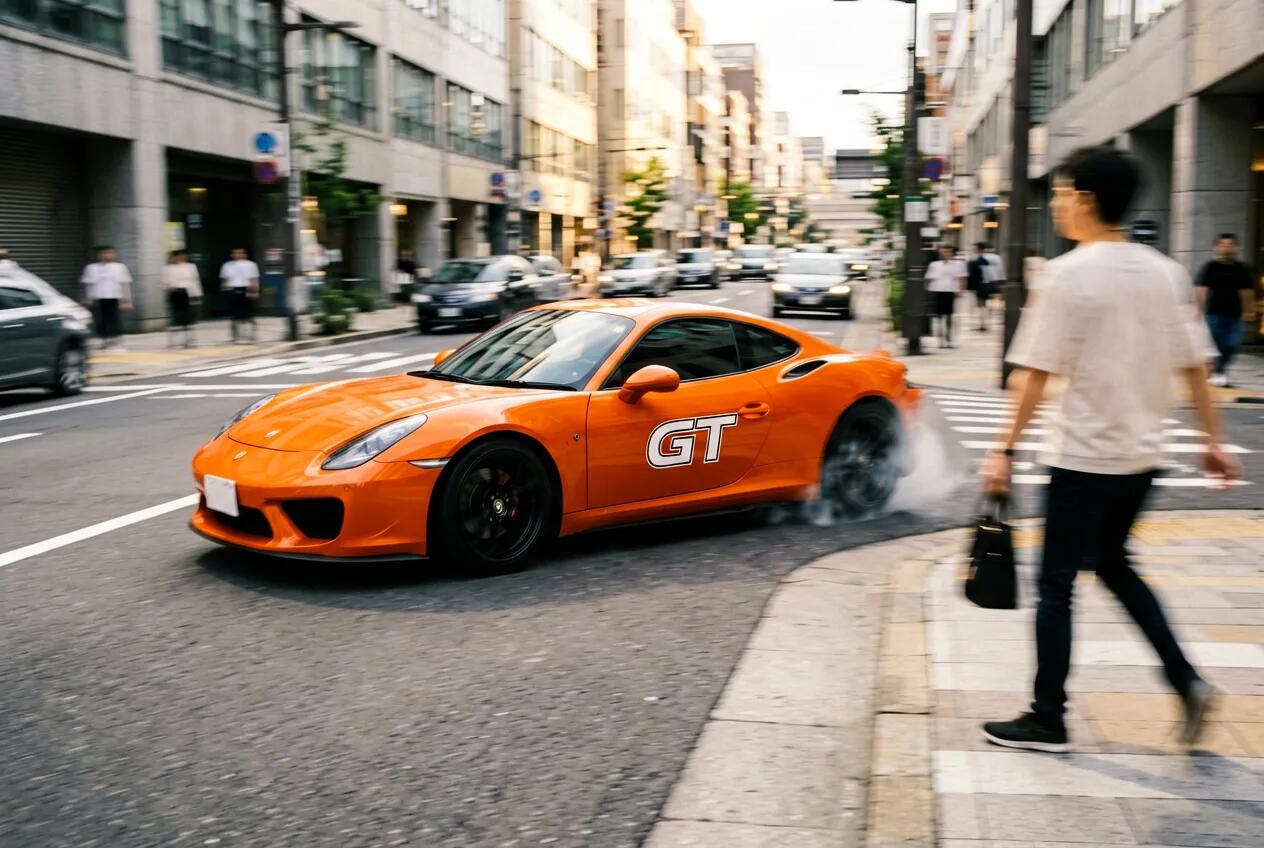
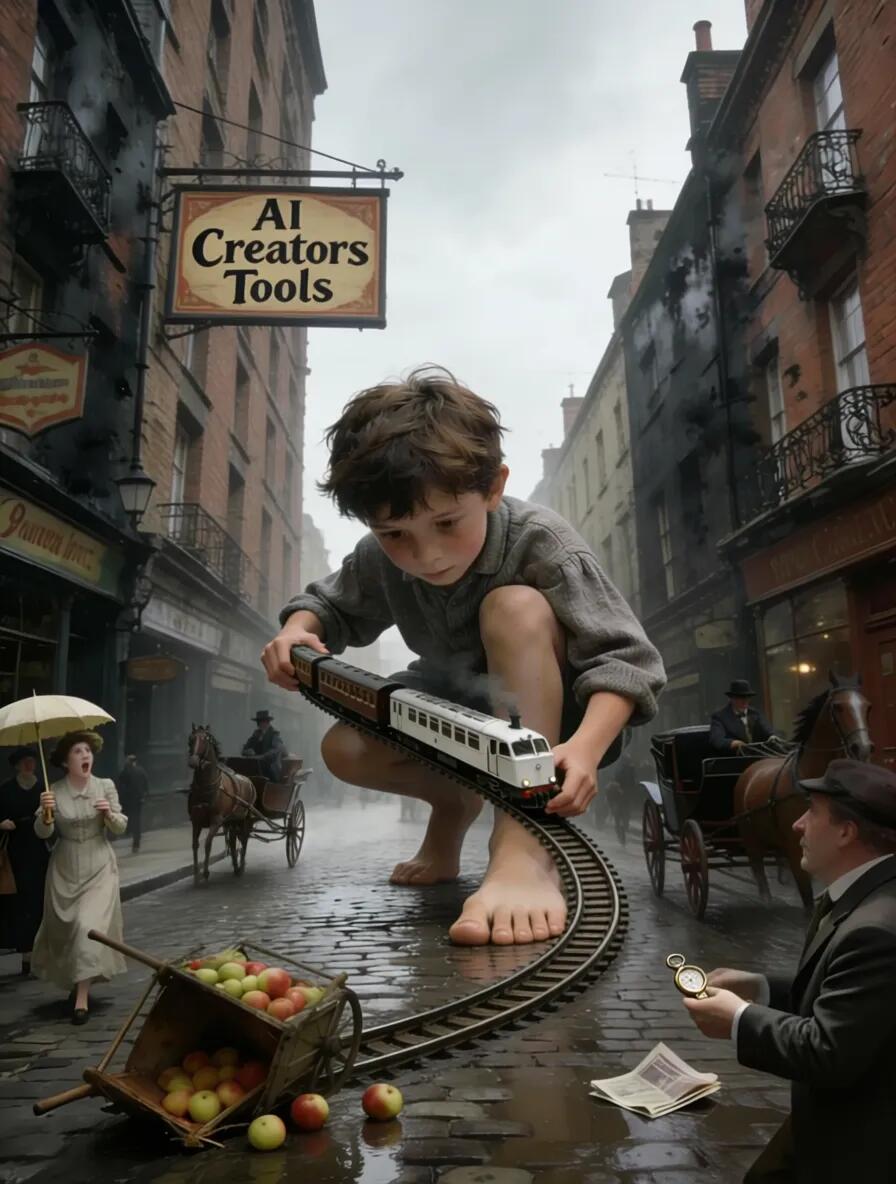
A congested city street under harsh midday sunlight. A speeding orange sports car is caught veering sharply; side mirrors, pedestrians flinching, and a trailing blur of motion are frozen mid-swerve. Flecks of dust and tire smoke drift in the frame. High-contrast realism with explosive action tone.
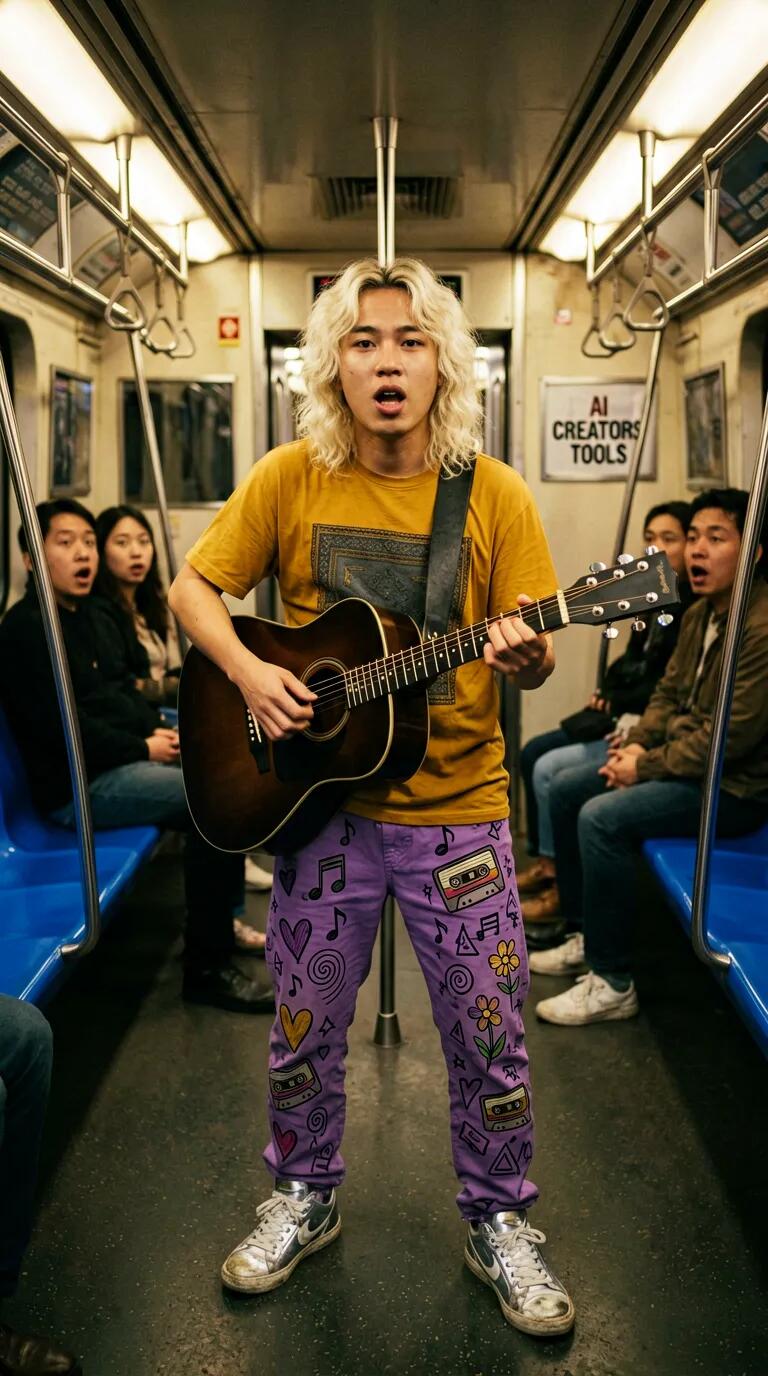
{ "scene": "A young man with shoulder-length wavy bleached-blonde hair walks inside a dimly lit subway train, facing the viewer while singing and playing dark guitar. His entire figure is accented by a solid white 2mm illustrated outline. Surreal illustrated elements radiate outward from him, blending seamlessly with the real subway environment for a mixed-reality, dreamlike aesthetic.", "subjects": [ { "name": "guitarist", "description": "Young man with shoulder-length wavy bleached-blonde hair, singing emotionally while playing dguitar and walking forward toward the viewer. He wears a mustard-colored t-shirt with dark-grey details, purple pants covered in hand-drawn doodles and graffiti-style illustrations (music notes, hearts, cassette tapes, flowers, spirals, geometric symbols), and worn silver-white sneakers. His silhouette is outlined with a clean solid white illustrated contour approximately 2mm wide.", "position": "center foreground, facing the viewer", "action": "walking forward, singing passionately, and playing guitar", "pose": "animated, groovy, expressive pose with emotional facial expression", "color_palette": ["#D4A017", "#4B4B4B", "#9B4DFF"] } ], "style": "photorealistic base with integrated surreal illustrated overlays; vibrant mixed-media aesthetic", "color_palette": ["#EFE8DD", "#7A7A7A", "#FFFFFF"], "lighting": "dim warm subway lighting with subtly desaturated tones; soft contrast emphasizing the bright illustrated outline and elements", "mood": "imaginative, expressive, musical, slightly surreal", "background": "Low-saturation subway interior with metallic poles and blue seats, a wall plate labeled 'AI CREATORS TOOLS', and three passengers farther back looking stunned at the guitarist. Background elements slightly blurred for depth.", "composition": "central frontal composition with strong contrast between vibrant illustrated subject and muted subway environment; illustrated shapes streaming outward to guide visual flow", "camera": { "angle": "eye-level frontal view", "distance": "medium shot", "lens": "35mm", "depth_of_field": "shallow DOF with background passengers subtly blurred", "focus": "sharp on guitarist and illustrated embellishments", "f_number": "f/2.8", "iso": "800" } }
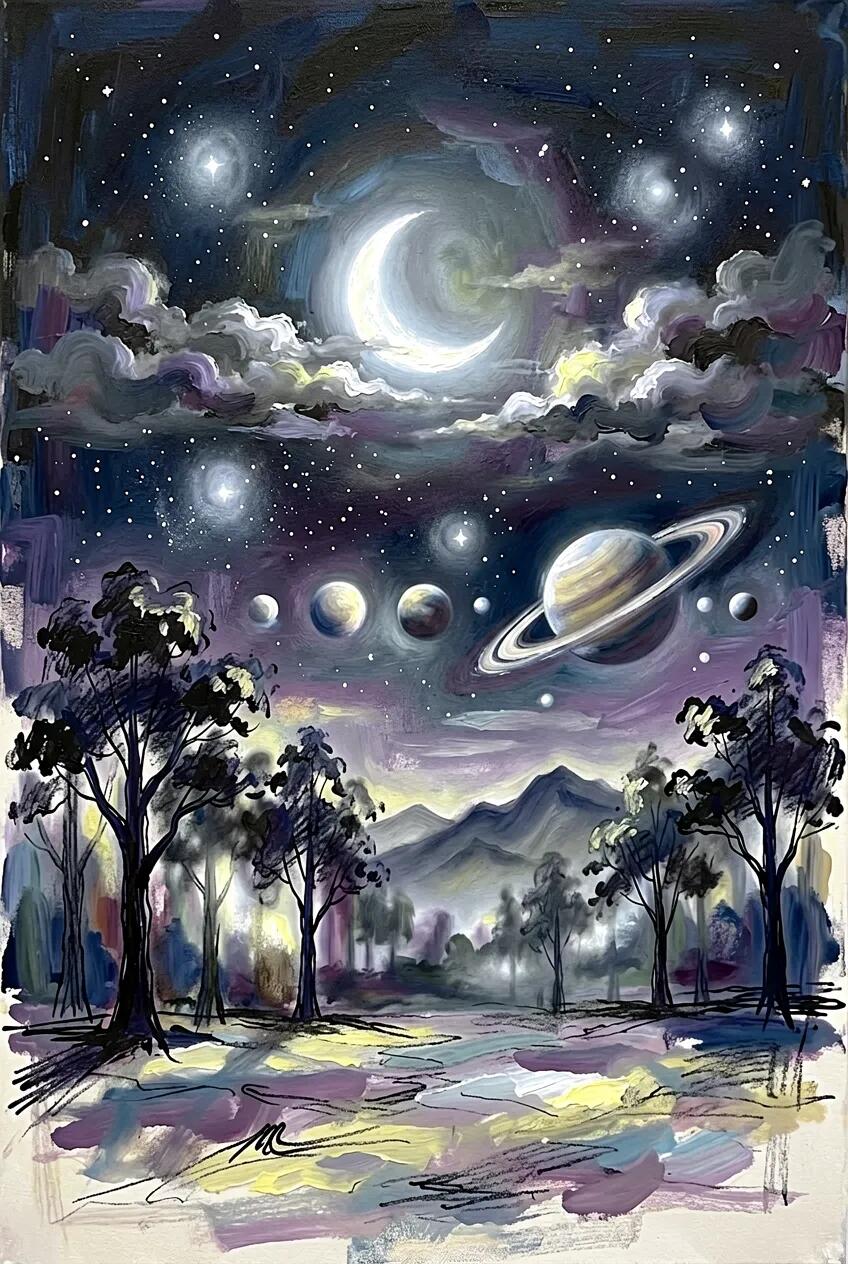
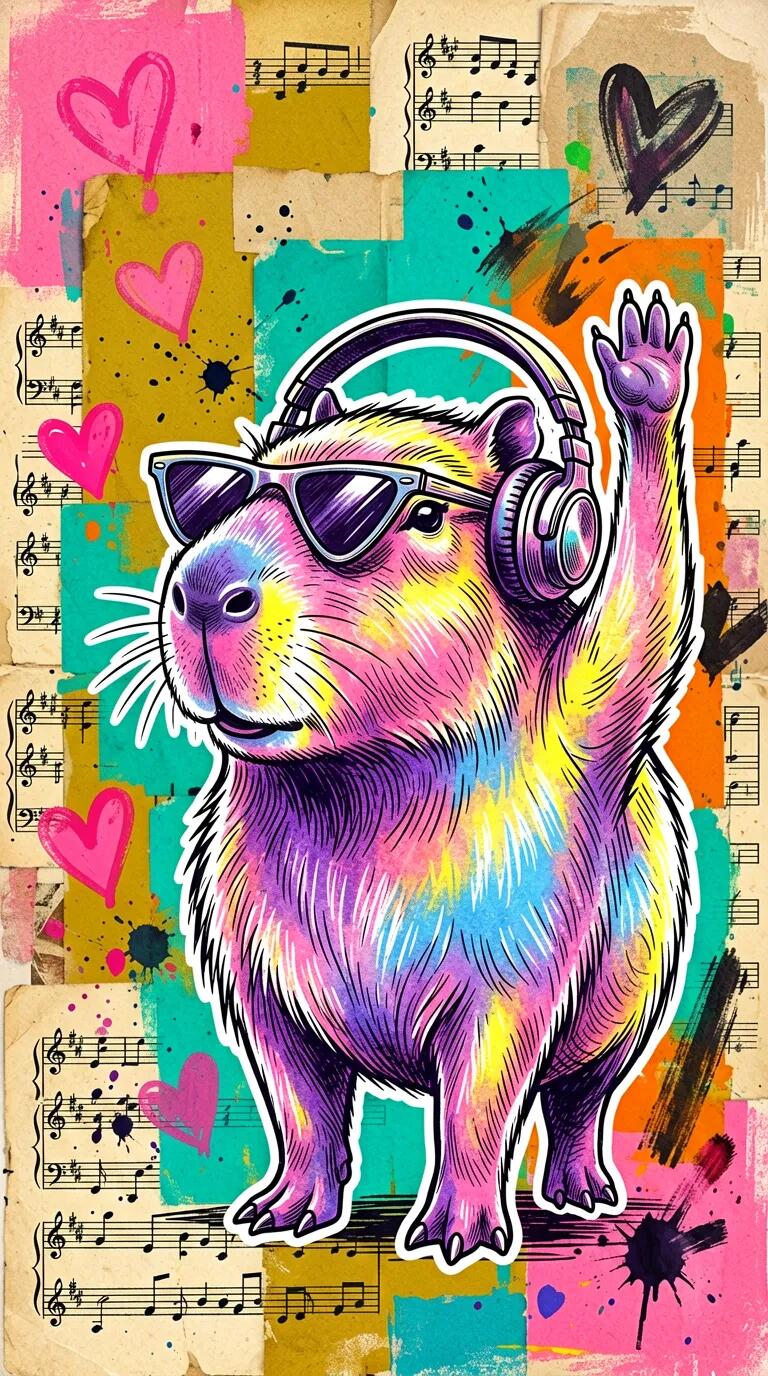
A stylized closeup portrait of a capybara in triangular sunglasses and with headphones on, its paw raised up high in a groovy gesture as if its enjoying the music and waving its paw like fans do, illustrated in a detailed, hand-drawn, almost etching-style technique, facing slightly to the left and positioned centrally in the composition. The capybara is vibrantly painted in iridescent shades of purple, pink, blue, and yellow, with textured blending that mimics brush strokes and spray paint, emphasizing the fur's texture and rounded features. Its figure is outlined with thick white line, about 5 mm wide. The background is an eclectic mixed media collage composed of layered vintage music sheets, old book pages, and textured painted swatches, arranged in an expressive and chaotic manner. Prominent background colors include hot pink, mustard yellow, teal, orange, and soft beige, with overlays of paint splashes, ink doodles (like pink hearts), and rough brushstrokes. These elements create a colorful, urban-meets-folk-art aesthetic. The image has a rich textural quality, with both the capybara and the background showing visible ink lines, layered paint, and tactile collage effects. The portrait radiates a whimsical, vibrant, and creative mood with an emphasis on playful, handcrafted art.
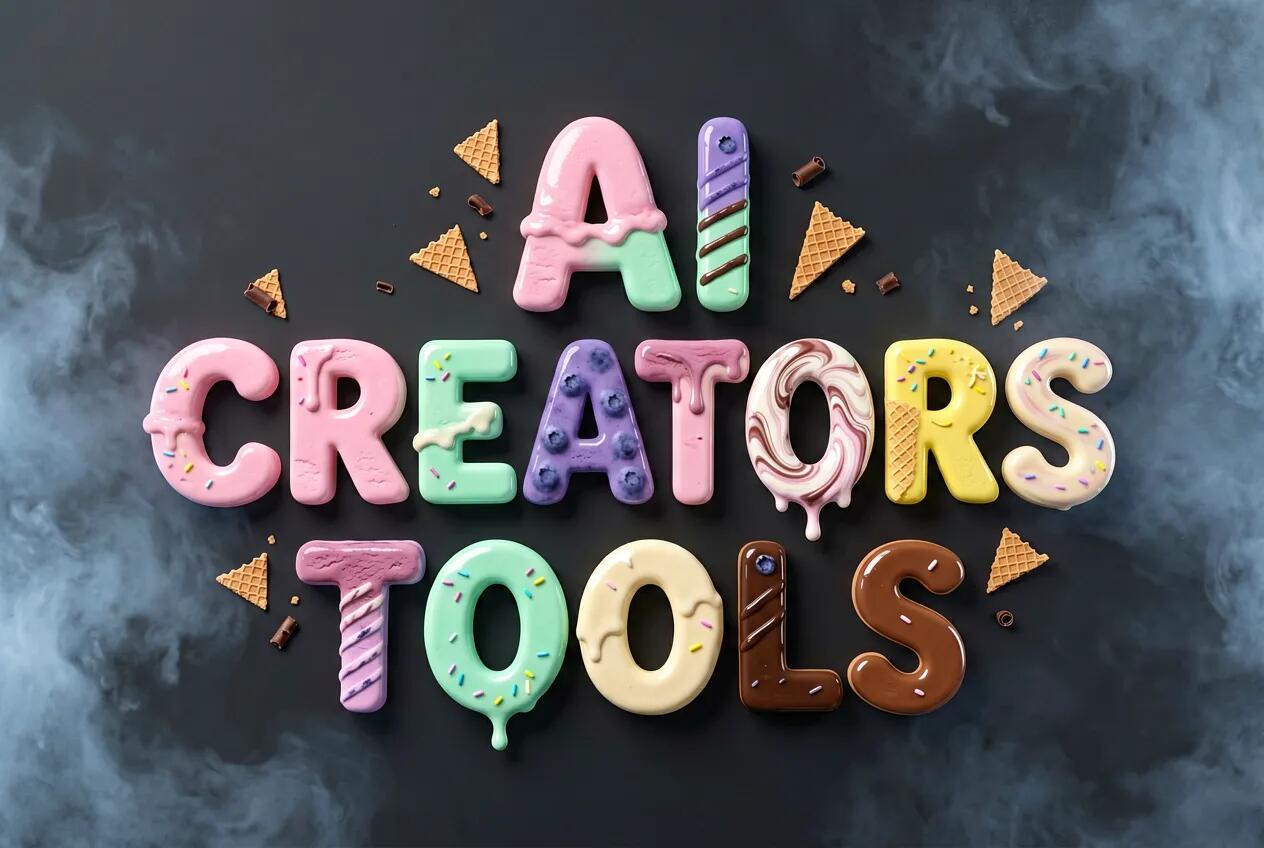
A three-line ice-cream typography reading “AI” on top, “CREATORS” in the middle, and “TOOLS” at the bottom, all letters made from vibrant ice-cream textures, arranged in a playful “dancing letters” layout where each character sits slightly up or down and alightly angld left or rightt for a fun, bouncy rhythm.Text: “AI CREATORS TOOLS” in UPPERCASE using a chunky geometric-sans skeleton with softly rounded corners, medium extrusion, and crisp cutouts to keep counters fully open.Font Material: assorted ice-cream forms—smooth scoops, striped gelato bricks, waffle-cone fragments, marbled swirls, glossy melting lines, pastel layers, and subtle colorful sprinkles—with tiny dessert accents like wafer shards and micro chocolate curls.Composition: centered three-line stack with the dancing-letter treatment applied consistently across all lines; front-on view; 1:1 frame; letters large enough to read instantly.Background: solid matte charcoal backdrop with a subtle frosty cold mist softening the frame edges; keep center clean for legibility.Lighting: soft diffused studio light with gentle speculars on wet melt zones and soft grounding shadows.Color & Contrast: pastel pink, mint, vanilla cream, blueberry, chocolate, and lemon tones against a dark neutral background for maximum contrast.Aesthetic: whimsical product-photography style with crisp realism and playful energy.Legibility: open counters, clean silhouettes, consistent kerning despite the playful offsets and tilts.
Artificial intelligence is a life-changing, sometimes life-like phenomenon—but it’s not without its quirks. Take, for example, the AI assistant who confidently declared, 'I am definitely not plotting world domination—wink, wink.' It’s enough to make you laugh... nervously... This test was generated for AIcreators dot tools, your go-to destination for AI software made for creators, filmmakers, and educators.
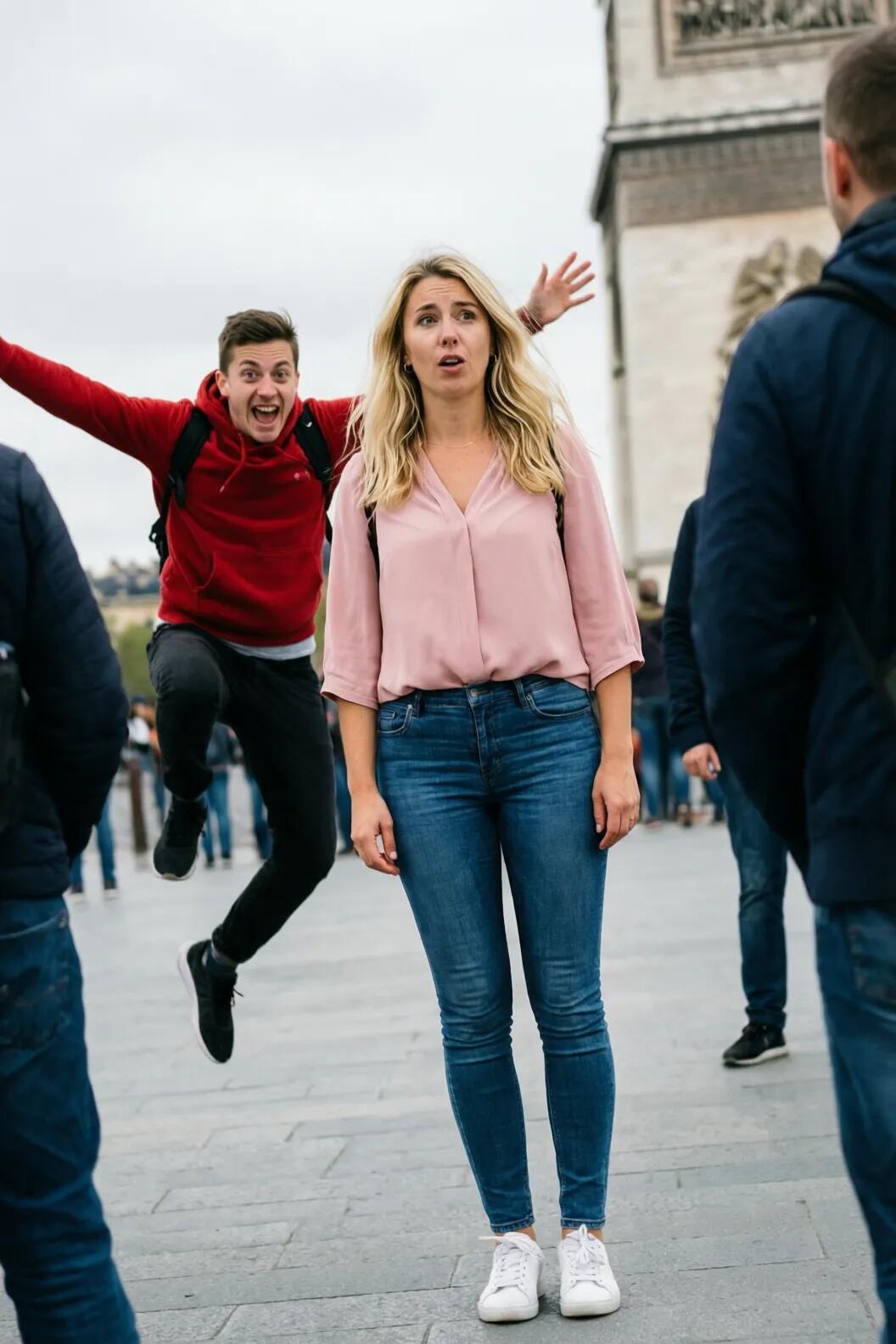
Done pretty well: both tasks completed, but on its own it decided to introduce man's second hand into view. Which looks fine. Used HF Spaces for this test.
HunyuanImage 3.0-Instruct is now open-source. It just got ranked in the top global tier on Arena's Image Edit leaderboard. It’s claimed to be the top open-source image-to-image model right now.
Qwen-Image-2512-Turbo-LoRA is a 4 or 8-steps turbo LoRA for Qwen Image 2512 trained by Wuli Team. This LoRA matches the original model's ouput quality but is over 20x faster⚡️, 2x from CFG-distillation and others from reduced number of inference steps.
A set of tuned models made for image editing work. It uses step distillation and quantization to give fast and efficient inference. The repo includes three main model files and each one comes with different traits and use cases.
This LoRA model boosts Qwen-Image-Edit’s skill at in-scene editing by keeping scenes logical, placing objects better, handling camera angles, showing action steps clearly, and making focused changes without losing context.
Get other angles of the same shot. You can move the camera up, down, left or right. You can also turn it left or right, or tilt it to look up or down. You can switch between a wide shot or a tight one.


 LongCat Video Avatar